Using the MCP SDK
Overview
The Gram MCP SDK wrapper provides low-level access to MCP features. This allows you to deploy an MCP server built using the official MCP TypeScript SDK to Gram functions.

Basic usage
To deploy an existing MCP server or a new MCP server to Gram Functions using the MCP TypeScript SDK, you first need a file that exports an instance of McpServer.
import { McpServer } from "@modelcontextprotocol/sdk/server/mcp.js";
import { z } from "zod";

export const server = new McpServer({
  name: "demo-server",
  version: "1.0.0",
});

server.registerTool(
  "add",
  {
    title: "Addition Tool",
    description: "Add two numbers",
    inputSchema: { a: z.number(), b: z.number() },
  },
  async ({ a, b }) => {
    const output = { result: a + b };
    return {
      content: [{ type: "text", text: JSON.stringify(output) }],
    };
  },
);
A simple gram.ts file then wraps that server so it can be deployed to Gram Functions.
import { withGram } from "@gram-ai/functions/mcp";
import { server } from "./mcp.ts";

export default withGram(server);
Resources
MCP resources can also be deployed via Gram Functions when using the MCP SDK wrapper.
import { McpServer } from "@modelcontextprotocol/sdk/server/mcp.js";
import { z } from "zod";

export const server = new McpServer({
  name: "demo-server",
  version: "1.0.0",
});

server.registerResource(
  "a-cool-photo",
  "resources://a-cool-photo",
  {
    mimeType: "image/jpg",
    description: "This photo is really something",
    title: "A Cool Photo",
  },
  async (uri) => {
    let res = await fetch("https://picsum.photos/200/300.jpg");
    return {
      contents: [
        {
          uri: uri.href,
          blob: Buffer.from(await res.arrayBuffer()).toString("base64"),
        },
      ],
    };
  },
);
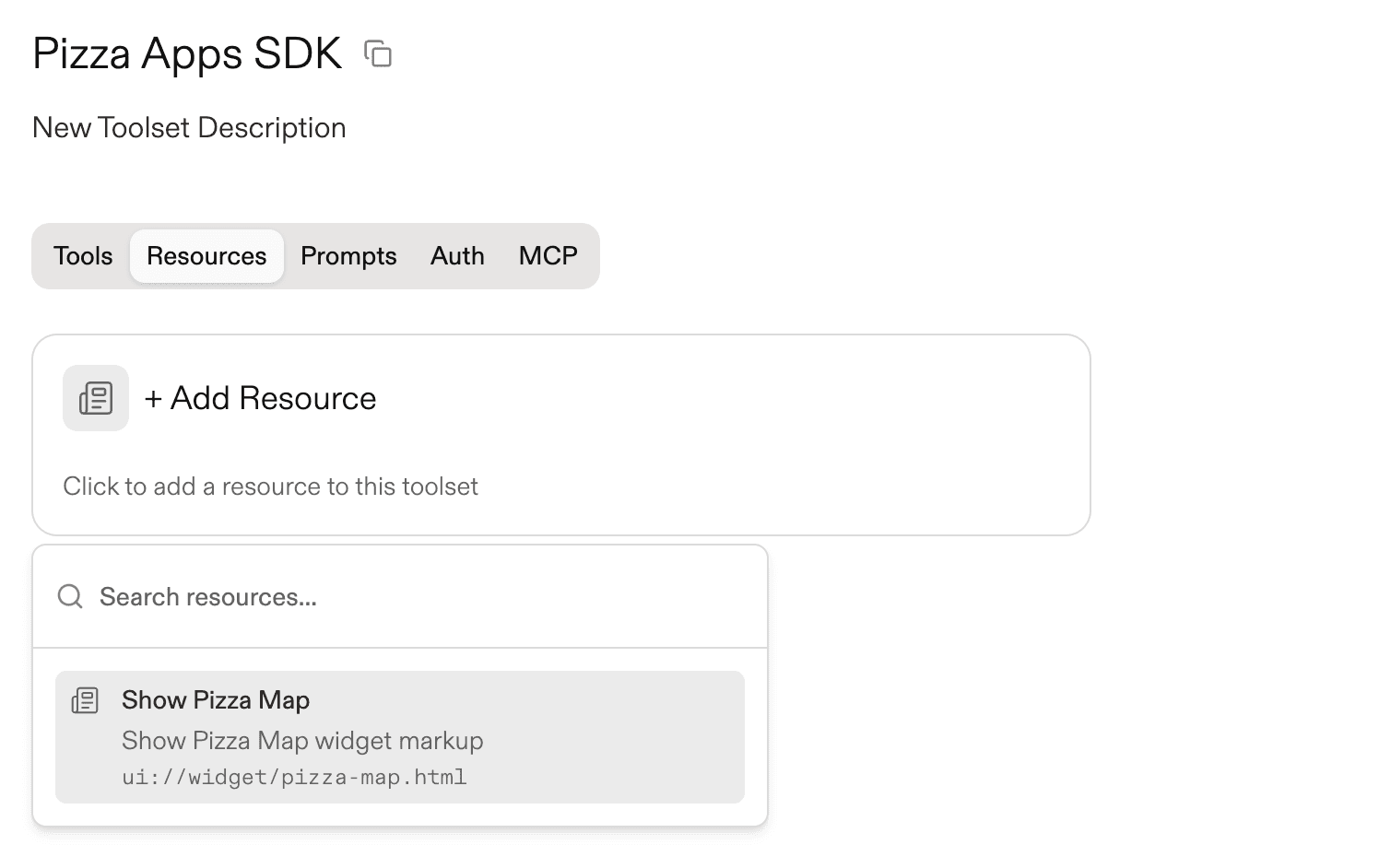
After running push, select the pushed resource to add it to a toolset.
Environment variables
Specify credentials or environment variable values that you need to make available in your tool runner environment. These can be provided either via stored Gram environments or via MCP headers set by the end user.
import { withGram } from "@gram-ai/functions/mcp";
import { server } from "./mcp.ts";

export default withGram(server, {
  variables: {
    API_KEY: { description: "API key for authentication" },
  },
});
Next steps
- Build and deploy Gram Functions.
Last updated on